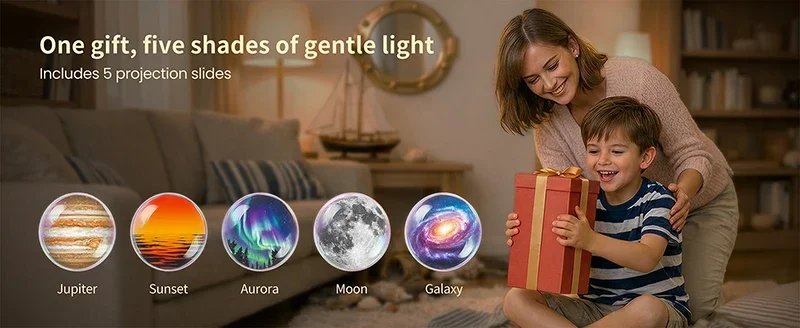
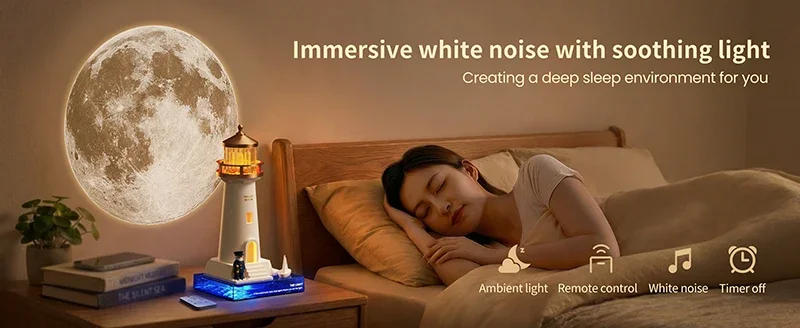
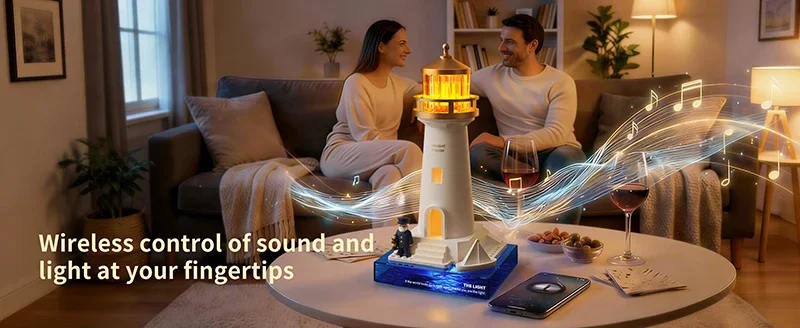
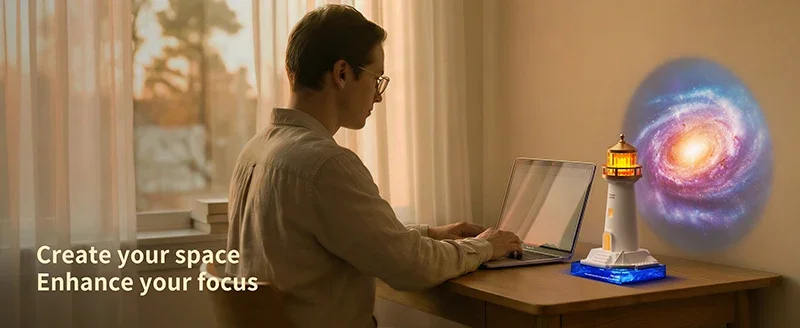
Lighthouse Moon Projection Light Breathing Light Moonlight Prejection


Lighthouse Moon Projection Light Breathing Light Moonlight Prejection
SPECIFICATIONS
Body Material: ABS
Brand Name: LINYILIGHT
Certification: ce,FCC,ROHS,CE,RoHs
Choice: yes
Galaxy Projector: Bible Light
High-concerned chemical: None
Is Batteries Included: Yes
Is Batteries Required: No
Is Bulbs Included: No
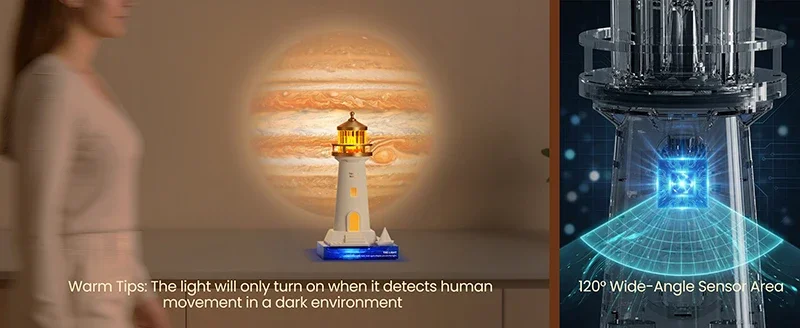
Is Smart Device: Yes
Light Source: LED bulbs
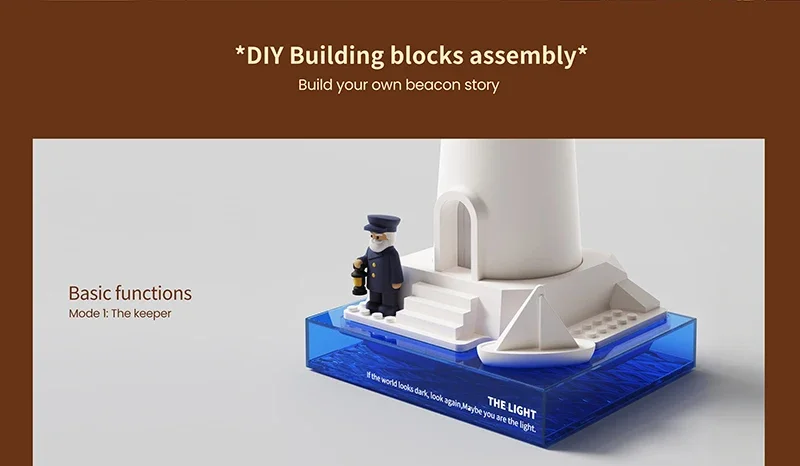
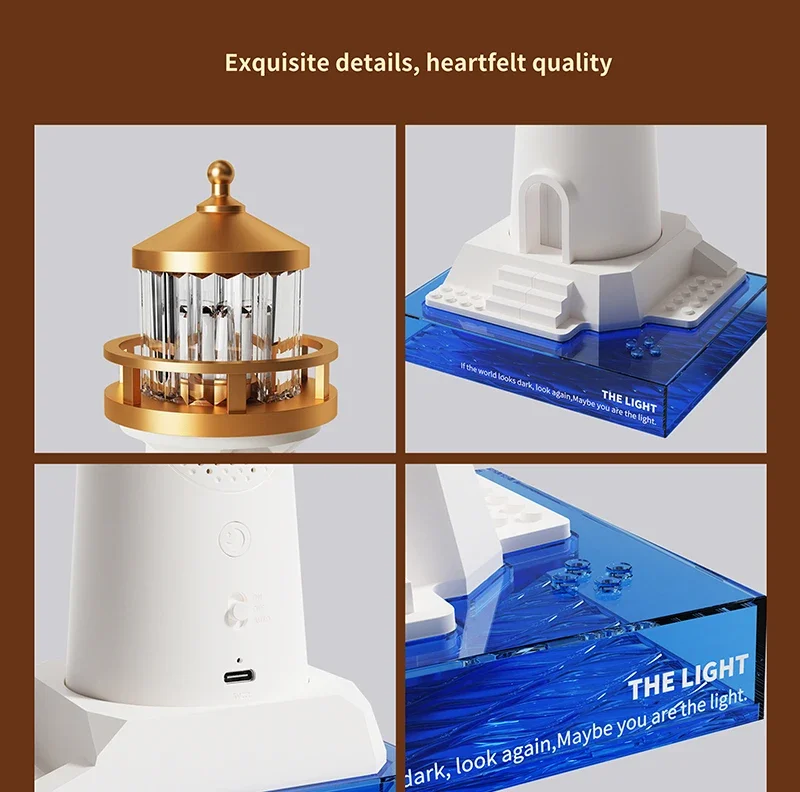
Lighthouse: Lighthouse Lamp
Lighthouse Decor: Lighthouse Figurines
Luminous Flux: <60
Moon Lamp for kids: Moon Lamp
Nominal Voltage: 5
Origin: Mainland China
Power Generation: Switch
Power Source: Rechargeable battery
Projection Wall Lamp New: Lighthouse Gifts
Shape: Round
Type: Atmosphere
Voltage: 5V
Wattage: 0-5W
Kind Reminder:
1.Please charge for 2-3 hours before using for the first time.
2.If you do not use this device for a long time, please charge it properly and place it to avoid affecting the battery life.
3.This product cannot be placed at a tilt angle greater than 6 degrees to prevent tipping.
4.The light source of this product is irreplaceable; When the light source reaches its end of life, the entire lamp should be replaced.
5.This product is not a toy and children under 3 years old should use it with the accompaniment of their parents.
6.Do not place the lighting fixtures in flammable and humid places.
7.This product comes with overcharge and over discharge power protection.
8.When not in use for a long time, it should be fully charged and the switch should be turned off for storage, and replenished every three months.
Instructions For Use:
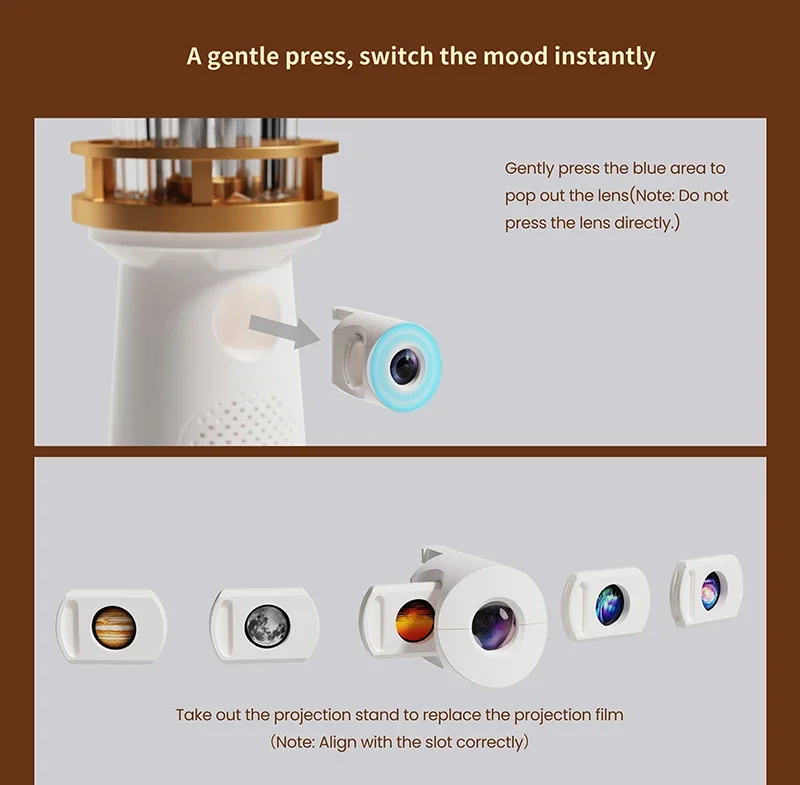
① Gentlypressto pop outtheleng(Caution: Do not press directlyon thelens.)
② Remove the slide holde.
③ Gentlypressthelensback intooriginalDosition (Caution:Align with theslot.)
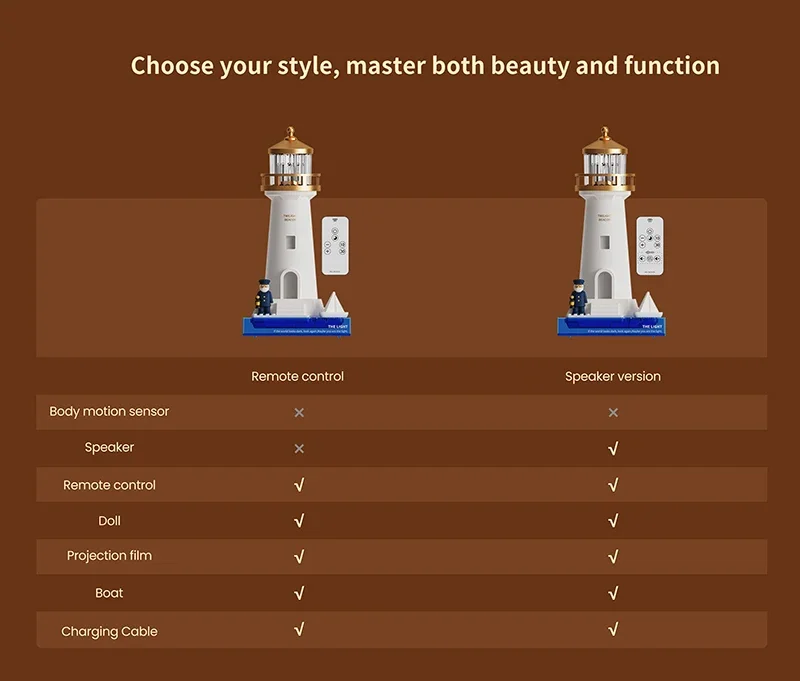
RemoteControl:
1.Short press to turn the projectoron/off. Long press to adjust the brightness otthe light and projector.
2.ON Turn on the light and projector.
OFF Turn offthe powe
AUTO When the remote control mode is activated.the light displays a breathing light effect
Speaker:
1.Short press to turn the projector on/off.Long press to adjust the brightness of the light and projector. The light will fash once when it reaches its brightest or dimmest.
2.ON Turns on white noise mode;song loops for 10m before switchingto the next song,Three songsloop (white noise only).
OFF Turn offthe power
AUTO Turns on speaker mode.Search for"MG-019" on your phone to connect.The indicator light will light up blue.Wait for the connection indicator light to flash; light will stay on when the connection is successful.
Attention:
1.The projection lights will automaticallyturn offafter 60 minutes ofillumination
2.This product has a light memory function; when turned of and then on again, the light brightness wil remain the same as before it was turned off.
3.The indicator light stays red while the product is charging,turns offwhen fully charged.